
How can I check the status of my order?Updated 5 months ago
There are two ways to check your order status:
1. Through your account: Log into your account and select your order. You will be directed to an order status page showing the current status.
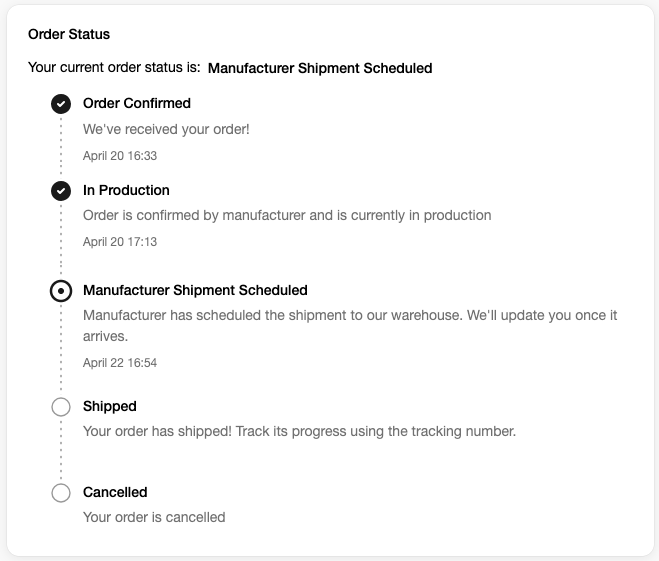
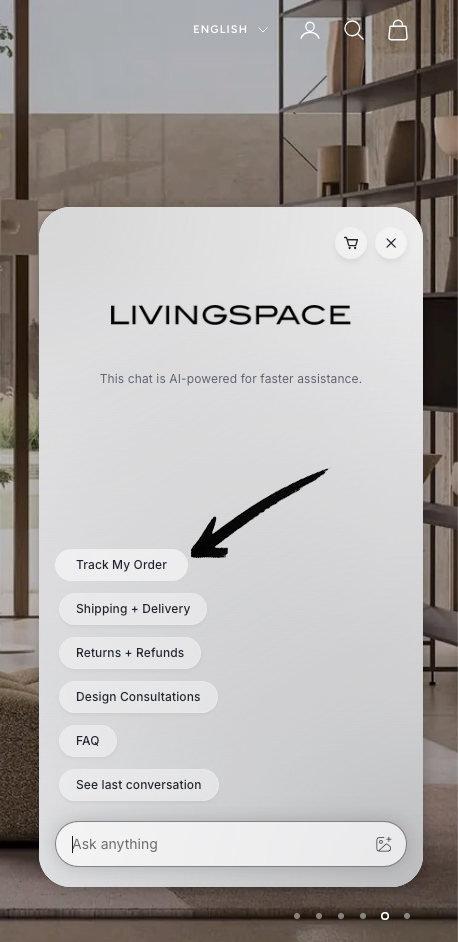
2. Through live chat: Click the chat icon in the bottom right corner and select "Track My Order." Follow the prompts to sign in. A verification code will be sent to your email. Enter the code when prompted, select your order and your current status will be displayed.
If you have not received any tracking updates or have concerns about your delivery, please contact our customer service team at [email protected] and we will verify the status of your shipment with our logistics partners.